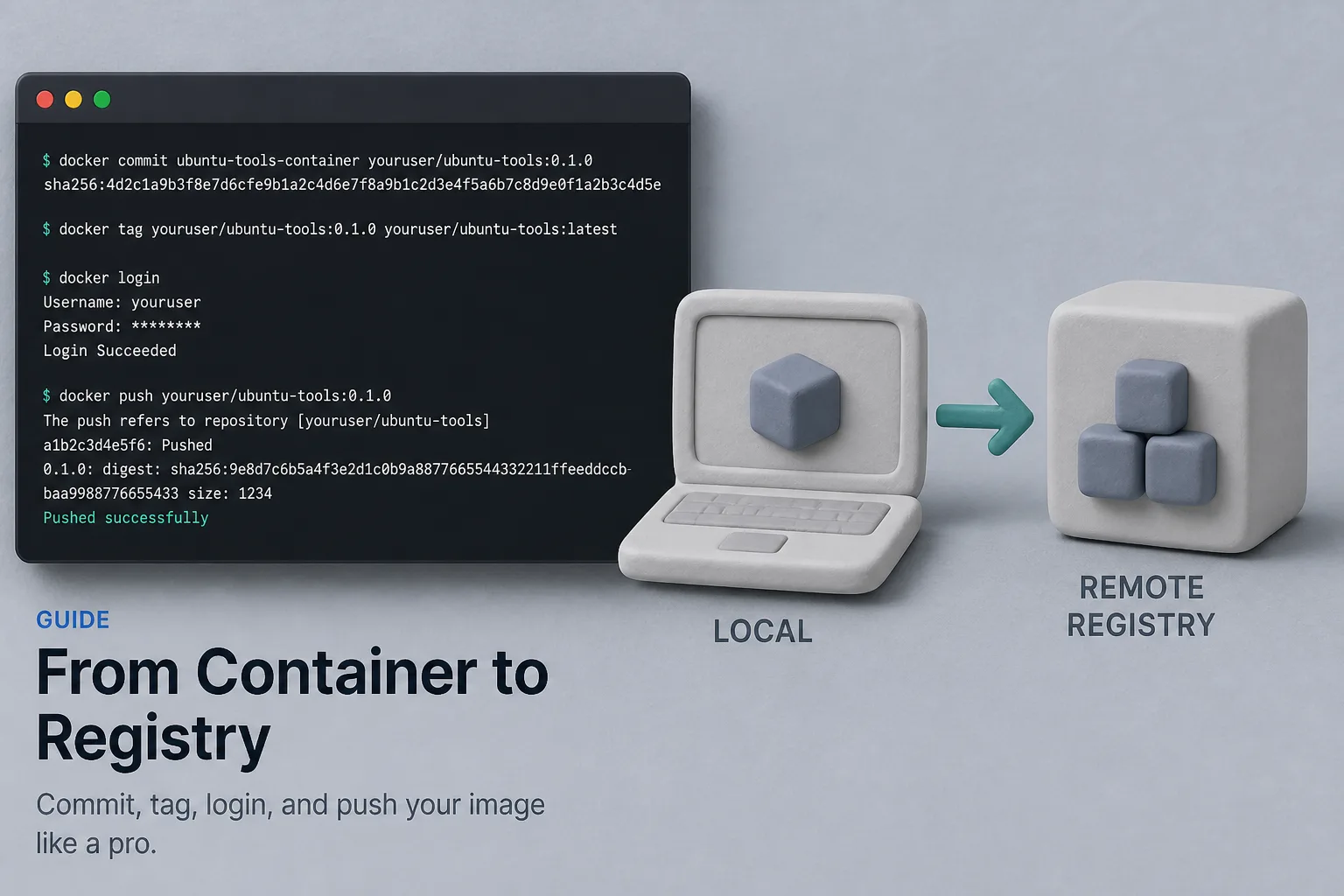
Sometimes you explore in a running container and want to keep the result. docker commit snapshots the container’s filesystem into a new local image. From there you can tag and push to Docker Hub (or any OCI registry).
For production, prefer a Dockerfile: commits are hard to audit and easy to drift. Use commit for experiments and demos; use Dockerfiles for anything you ship.
Commit changes
Assume you installed tools inside an Ubuntu container with ID abc123:
docker commit -m "added curl and jq" -a "Your Name" abc123 youruser/ubuntu-tools:0.1.0
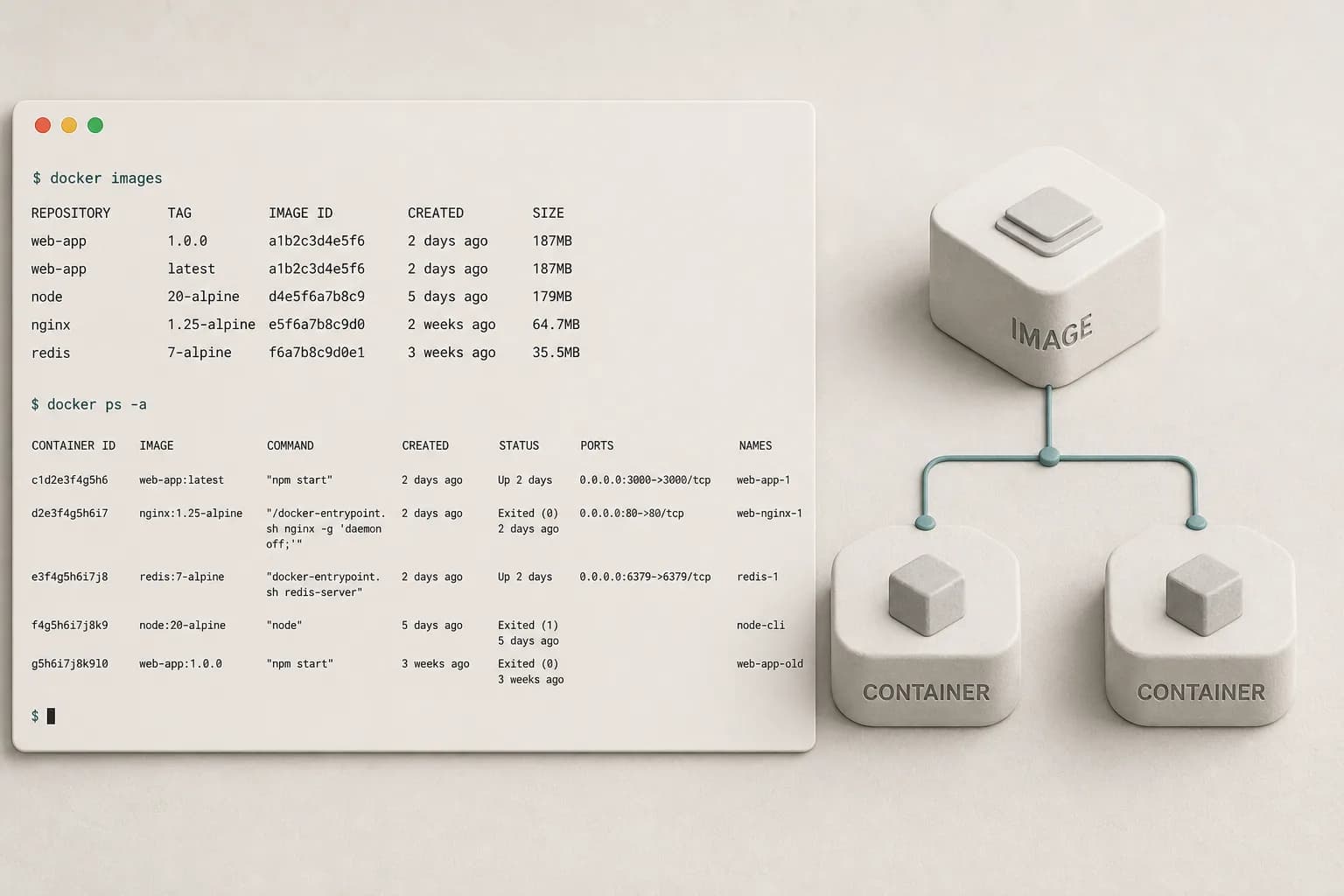
docker images
Replace youruser with your Docker Hub username (or organization).
Log in and push
docker login
docker push youruser/ubuntu-tools:0.1.0
Others (or your other machines) can then:
docker pull youruser/ubuntu-tools:0.1.0
docker run -it --rm youruser/ubuntu-tools:0.1.0 bash
Tagging tips
- Use semantic or date tags (
0.1.0, 2026-08-21) instead of only latest
- Retag before push:
docker tag local-name:dev youruser/repo:0.1.0
- Private Hub repos keep client work off the public index
Prefer a Dockerfile when you can
FROM ubuntu:24.04
RUN apt-get update \
  && apt-get install -y --no-install-recommends curl jq \
  && rm -rf /var/lib/apt/lists/*
docker build -t youruser/ubuntu-tools:0.1.0 .
docker push youruser/ubuntu-tools:0.1.0
Same end state, with a reviewable build recipe.
Wrap-up
Commit → tag → login → push gets an image onto Docker Hub quickly. Graduate to Dockerfiles and CI builds once the experiment becomes a dependency for the team.